

What BugShot does
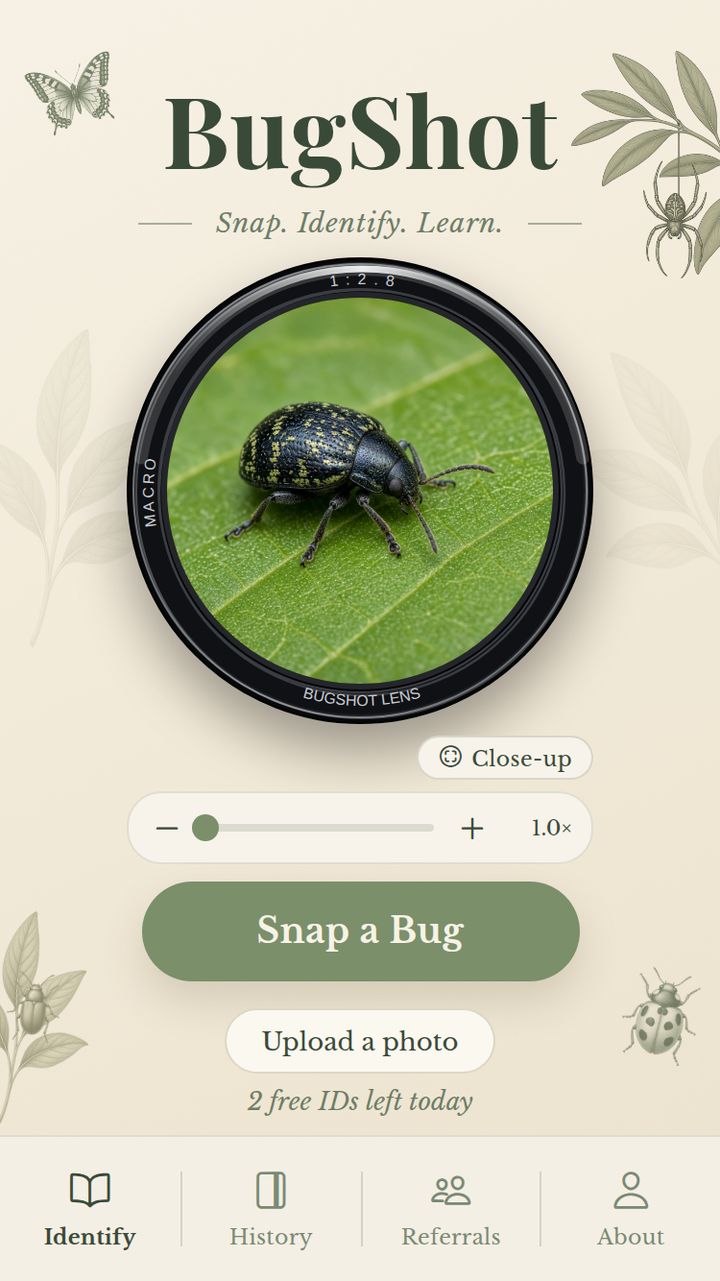
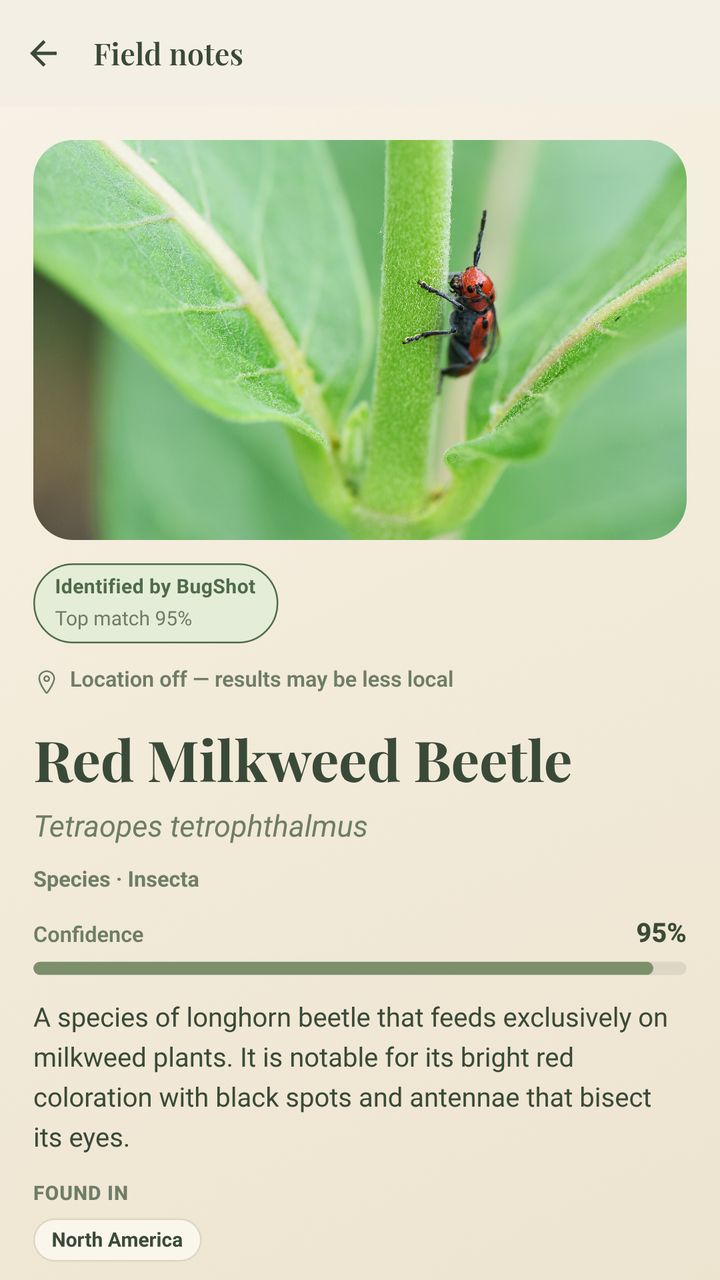
BugShot is a photo identification app for insects, spiders, and other common household bugs, including insect droppings. You take a picture or choose one from your library. The app then returns a likely identification, a confidence level, and a short, field-guide style description so you can read what the result is and why it might match.
People usually open an identifier when they have found something specific: a beetle on the patio, a spider in a garage corner, a wasp at a window, or small specks that might be insect droppings. BugShot is built for those everyday moments. It is meant to give you a clear starting point from the photo you have, not to replace a professional inspection or medical advice.
You can use BugShot without creating an account. The app has no ads. Optional location, if you turn it on, can favor species that occur in your area. Identification still works if you leave location off. Results you run are saved in a history on your device so you can go back to them later.
How to take a photo that helps identification
A sharp, close photo is the most useful thing you can give any photo-based identifier. The goal is to show the animal or the droppings clearly, with as little blur and glare as possible.
Get close and keep it sharp
Fill as much of the frame as you reasonably can with the subject. If you are far away, the identifier has less detail to work with, and similar species become harder to tell apart. Hold the phone steady, or rest your hand on a wall, counter, or railing. Tap the screen to focus on the animal, not the background. If the first picture is soft, take another before the subject moves.
If the animal is small, get as close as your camera will allow while still staying in focus. Many phones can take a useful close-up in good light. Avoid digital zoom if it makes the image muddy; moving a little closer is usually better.
Light, angle, and scale
Natural, even light is easier to work with than a harsh flash. Flash can wash out color, add glare on shiny wing cases, or throw a strong shadow that hides markings. Near a window, under a porch light that is not too harsh, or outdoors in open shade often works well. If you are photographing at night, try a lamp from the side rather than a direct flash, when you can do so safely and without disturbing a stinging insect.
One photo from directly above is a good start. A second photo from the side can show body shape, leg length, or wing position, which matters for many look-alikes. If you can include something for scale — a coin, a pen cap, or a finger well away from a potentially stinging or biting animal — that can help a person comparing candidates later. Do not put your hand near something you think might sting or bite just to add scale.
Photographing insect droppings or traces
If you are photographing insect droppings, get a close, well-lit shot of the specks, smears, or pellets themselves, and a slightly wider shot of where you found them, such as a windowsill, cabinet corner, or baseboard. If an insect is nearby, a photo of that animal can be just as useful as the droppings. Include a scale object when you can. Try not to disturb a large pile or a hidden nest area if you are unsure what produced it.
Common bugs people find in and around U.S. homes
The United States has thousands of insect and spider species. A household identifier is most often used on the comparatively small set of animals people notice indoors, at doors and windows, or in yards. The examples below are general and are not a complete list. Local species vary by region and season.
Animals often found indoors
Ants, cockroaches, silverfish, and earwigs turn up in kitchens, bathrooms, and basements. Pantry pests such as Indianmeal moths and various weevils or beetles appear around dry food. Carpet beetles can be found near wool, carpets, or closets, and their larvae are sometimes mistaken for other household pests. Drain flies and other small flies may gather around sinks or showers. Fruit flies are common around ripening produce. Some people also photograph house centipedes, which are not insects but often appear in the same searches.
Bed bugs are a frequent concern, especially after travel or in multi-unit housing. They are small, flattened, and usually found near beds or upholstered furniture. Carpet beetle larvae and some other insects are sometimes mistaken for bed bugs. A clear close-up, and a photo of the setting, can help a likely identification, but a professional inspection may still be needed if you suspect an infestation.
Animals often found at windows, doors, and outdoors
Lady beetles, including the introduced Asian lady beetle, often cluster on sunny walls in fall and may come indoors. Boxelder bugs and some stink bugs do the same around homes. Bees, wasps, and yellowjackets are frequently photographed on porches and at eaves. Mosquitoes, various moths, and many beetles show up around lights. Ground beetles and other outdoor beetles sometimes wander in through open doors.
Look-alikes that are easy to confuse
Several everyday pairs are hard to tell apart from a quick glance:
- Carpenter bees and bumble bees can look similar in size and color. Carpenter bees often have a shinier abdomen; bumble bees are usually more fully fuzzy. Behavior and nesting site can also differ, but a close photo of the abdomen helps.
- Paper wasps, yellowjackets, and some bees are all often called “bees.” A clear view of the body shape, waist, and coloring is more useful than a distant shot.
- Asian lady beetles and native lady beetles both have spotted, dome-shaped bodies. Pronotum markings (the area behind the head) are often the useful detail, and even then some individuals vary.
- Bed bugs versus carpet beetles or their larvae: body shape, legs, and where they were found matter. A blurry photo on a mattress is rarely enough to be sure.
- Many small brown beetles, pantry beetles, and weevils look alike until you see snout shape, antennae, or a sharper close-up.
These examples are why BugShot describes a result as a likely identification. A photo can strongly suggest a match and still leave room for similar species.
How BugShot shows confidence, and why it says “likely”
After you run an identification, BugShot presents a likely match and a confidence level. In many cases you will see a top match with a confidence figure. When the app is less sure, or when more than one source could explain what is in the photo, it may show a few candidates so you can compare them.
“Likely” is deliberate wording. It means the result is the app’s best estimate from the photo you provided, not a guaranteed species determination and not an official diagnosis. Some animals cannot be identified to species from a single picture. Juveniles, worn or damaged specimens, poorly lit photos, and groups with many similar species are all harder. Optional location can tilt the result toward animals found in your region, but it does not make a result certain, and a species can still appear outside its usual range.
If the first result does not seem to fit what you are looking at, take a second photo from another angle, in better light, or closer. Read the short description and compare it to the animal in front of you. If a decision matters for health, housing, or treatment, use the result as a starting point and get help from a qualified professional.
Safety: when to call a doctor or a professional
BugShot is not a medical device and is not a substitute for advice from a doctor, a poison control center, or a licensed pest professional. An identification from a photo, even a confident one, should not delay care if someone is seriously ill after a bite or sting.
Seek emergency medical care immediately if a person has trouble breathing, swelling of the face or throat, dizziness, fainting, widespread hives, or other signs of a severe allergic reaction after a sting or bite. In the United States, you can also call Poison Control at 1-800-222-1222. If a child, an older adult, or a pet has been stung or bitten and you are worried, get professional medical or veterinary advice rather than waiting on an app result.
Give a potentially stinging or biting animal space. Do not try to handle a spider, wasp, or scorpion in order to photograph it. A picture from a safe distance is better than a closer picture that puts you at risk. If you think you have a venomous spider or a scorpion in the home, keep people and pets away from the area and consider professional help for removal.
Call a licensed pest professional when you have repeated sightings, a large number of insects, droppings you cannot explain, or damage to food, fabric, or the building that you want inspected in person. An app can suggest a likely identification from a photo. It cannot inspect a wall void, a crawl space, or the full extent of a problem.
Privacy
BugShot does not require an account, does not show ads, and does not sell your data. According to the app’s privacy policy, BugShot has no analytics or tracking in the product itself. When you run Identify, the photo is sent over HTTPS to be processed for identification. Location is optional, is approximate if you allow it, and is not stored; identification still works if you decline. Identification history is kept on your device and can be cleared in the app.
The full details, including how long some photos may be kept to check accuracy and how to request deletion of records, are in the BugShot Privacy Policy. For deletion requests, the policy asks you to email unitedorainc@gmail.com and include your friend code from the Referrals page in the app.
Pricing: free daily identifications and optional BugShot Pro
BugShot is free to download on the App Store and Google Play. You receive free identifications every day, and you can use the app without subscribing. If you need more identifications, BugShot Pro is an optional subscription for up to 400 identifications a week. Plans are offered through the store where you downloaded the app, with weekly, monthly, and yearly options listed there. BugShot does not receive your card number. You can also share or redeem a friend code for bonus identifications; that bonus is for installing and redeeming, not for leaving a rating or review. You can use BugShot without sharing or redeeming a code.
Current plan prices and terms are shown in the App Store or Google Play at the time you subscribe, and subscriptions are managed in your store account. This page does not replace the store listing or the subscription terms shown at purchase.